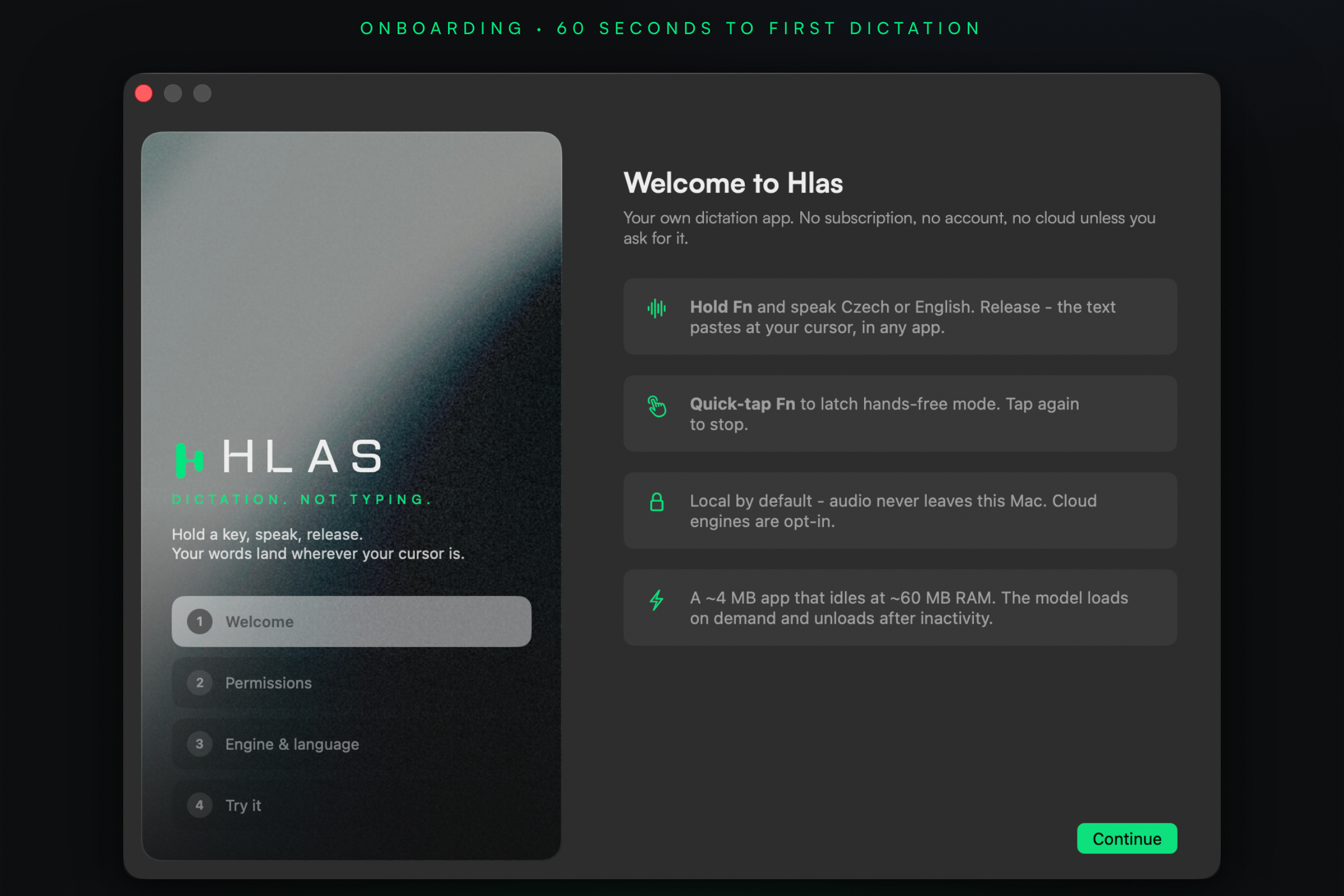
Hold Fn · speak Czech or English · release - text lands at your cursor, in any app. No subscription, no account, no cloud unless you ask for it.
New in 0.4.2: choose Transcript for a direct transcription or Smart text for automatic cleanup and formatting. Messages stay messages; actual lists and procedures get the structure they need. Smart text uses your OpenAI or Groq key.
A small pill appears at the bottom of your screen. The mic is live - speak Czech, English, or both.
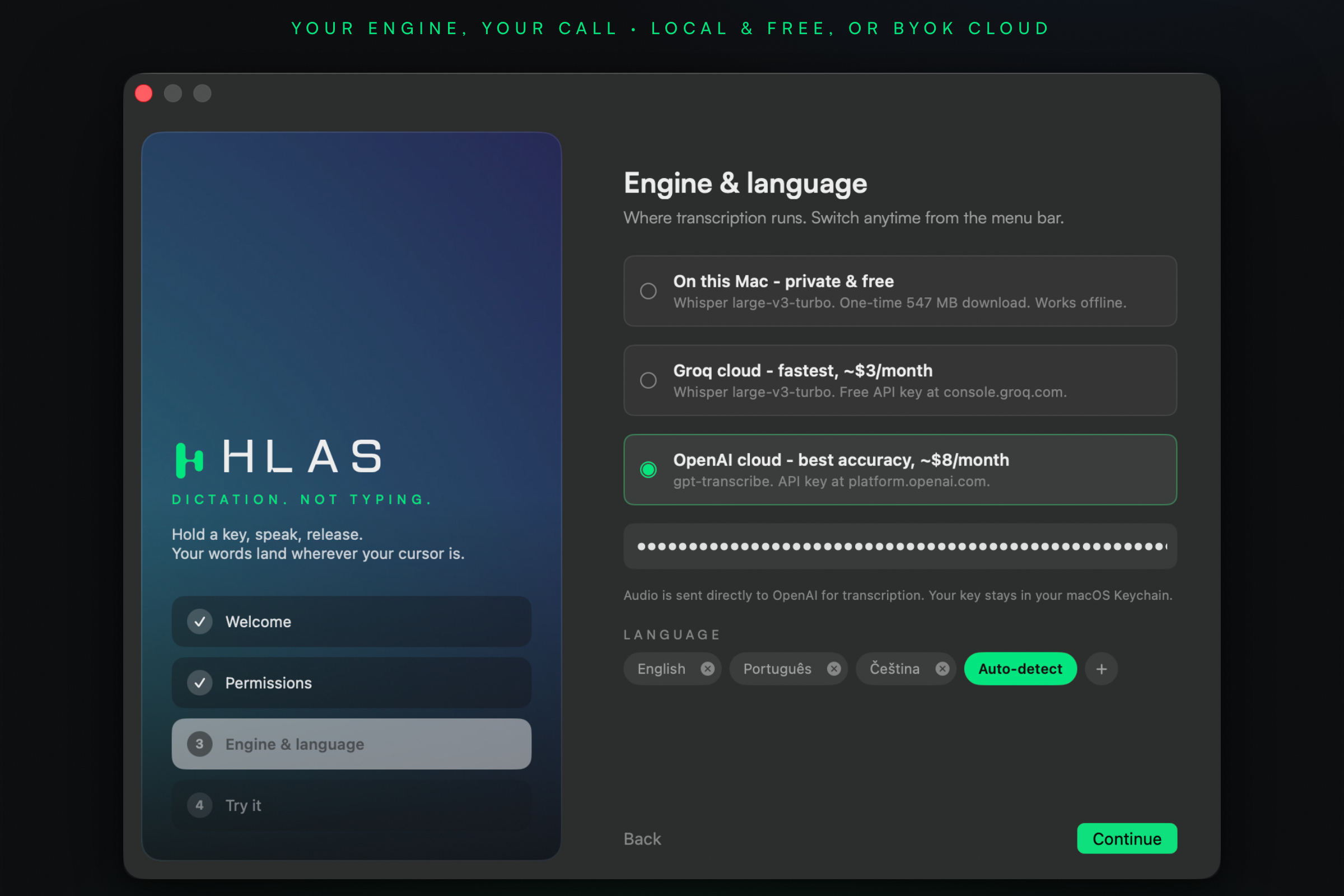
Whisper large-v3 transcribes - locally on Metal, or via Groq/OpenAI if you brought a key.
Pasted into whatever app has focus. Quick-tap Fn instead to latch hands-free mode.
whisper.cpp large-v3-turbo runs on your Mac's GPU. Audio never leaves the machine. Works offline.
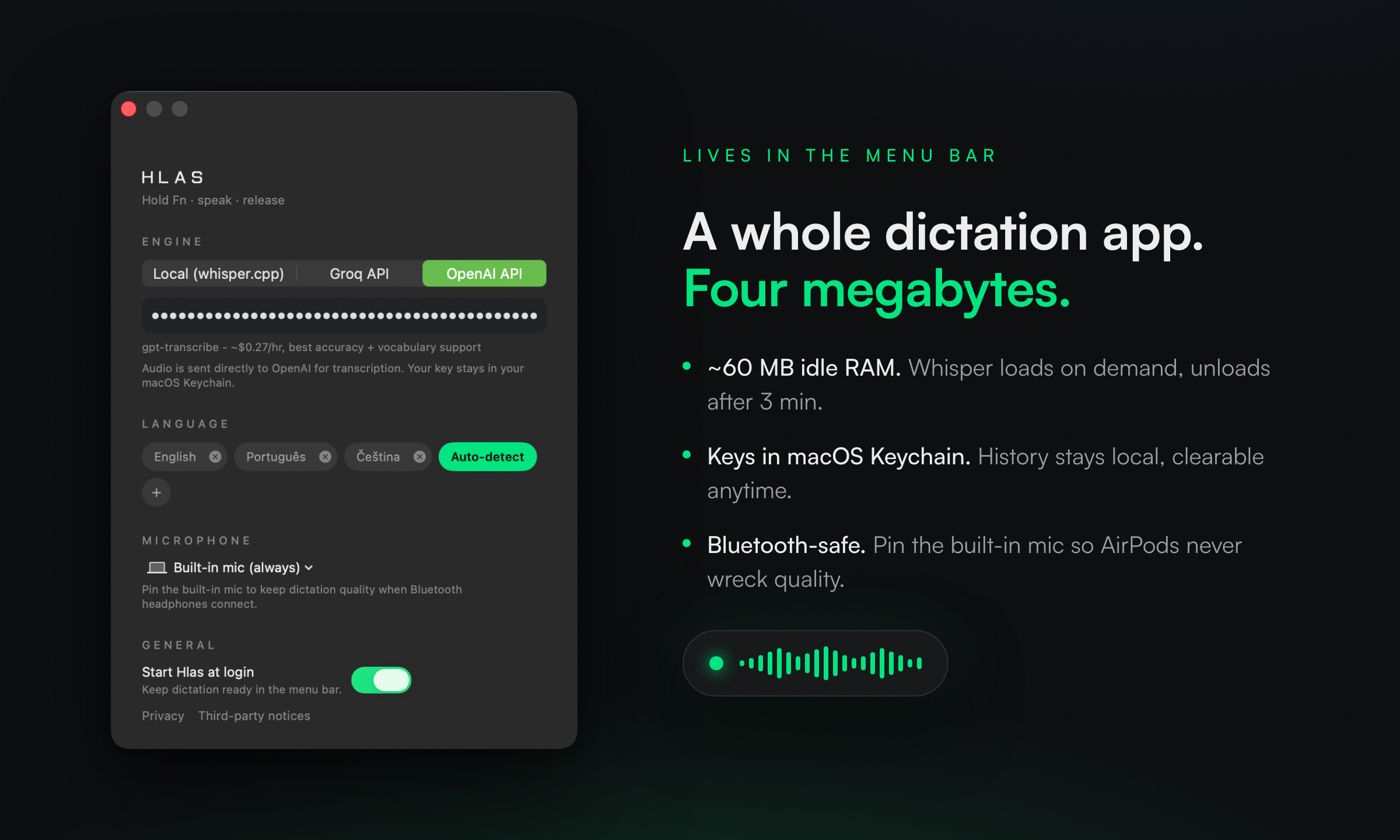
Bring your own Groq key (~$1-3/mo at heavy use) or OpenAI key for best accuracy. Keys live in macOS Keychain.
Built in Prague because every dictation app treats Czech as an afterthought. Whisper large-v3 class quality, priming prompts for cs/sk/en.
~4 MB app, ~60 MB idle RAM. The model loads on demand and unloads after 3 minutes of silence.
Add names and jargon in Settings → Vocabulary - the model learns how to spell them.
Every transcript saved locally, searchable from the menu bar, clearable anytime. Never uploaded.
Built as a personal replacement for the $8-15/month dictation apps.
| Hlas | Superwhisper | Wispr Flow | Willow | |
|---|---|---|---|---|
| Price | free · ~$3/mo API | $8.49/mo | $15/mo | $15/mo |
| Local & private | yes | yes | no - cloud | partial |
| Czech quality | Whisper large-v3 | good | uncontrollable | weak |
| App size | ~4 MB | 1 GB+ | heavy | heavy |
| Idle RAM | ~60 MB | ~800 MB | heavy | ? |
| Account required | no | yes | yes | yes |
2.9 MB disk image. Apple Silicon Mac on macOS 15 or later.
Open the DMG, drag Hlas onto Applications, open it. macOS asks once whether to open an app from the internet: click Open.
Microphone to hear you, Accessibility for the Fn hotkey and the paste. The welcome tour walks you through both.
That's it. Hlas lives in the menu bar, not the Dock.
Hlas is signed with a Developer ID certificate of Eden Makers s.r.o. and notarized by Apple, so it opens like any other Mac app. Every line of source is public in this repo, and you can build it yourself in two minutes.
Updating from an earlier Hlas? The new signature means macOS asks for Microphone and Accessibility once more. If the Fn key does nothing, remove Hlas from System Settings → Privacy & Security → Accessibility with the minus button and grant it again, or run:
tccutil reset Accessibility com.gedeon.hlas
Requires an Apple Silicon Mac on macOS 15+, Xcode, and brew install xcodegen.
# clone
git clone https://github.com/GedeonDrapak/hlas && cd hlas

# build whisper.cpp static libs (once)
make vendor

# build, install to /Applications, launch
make install
First run asks for Microphone + Accessibility - that's the Fn hotkey and the paste. Full policy in PRIVACY.md.